
Point your camera, read it in your language
Most travel confusion is written down: a station sign, a set menu, a pharmacy label, a parking notice. Parlivon reads the text through your camera and gives you the meaning in seconds.
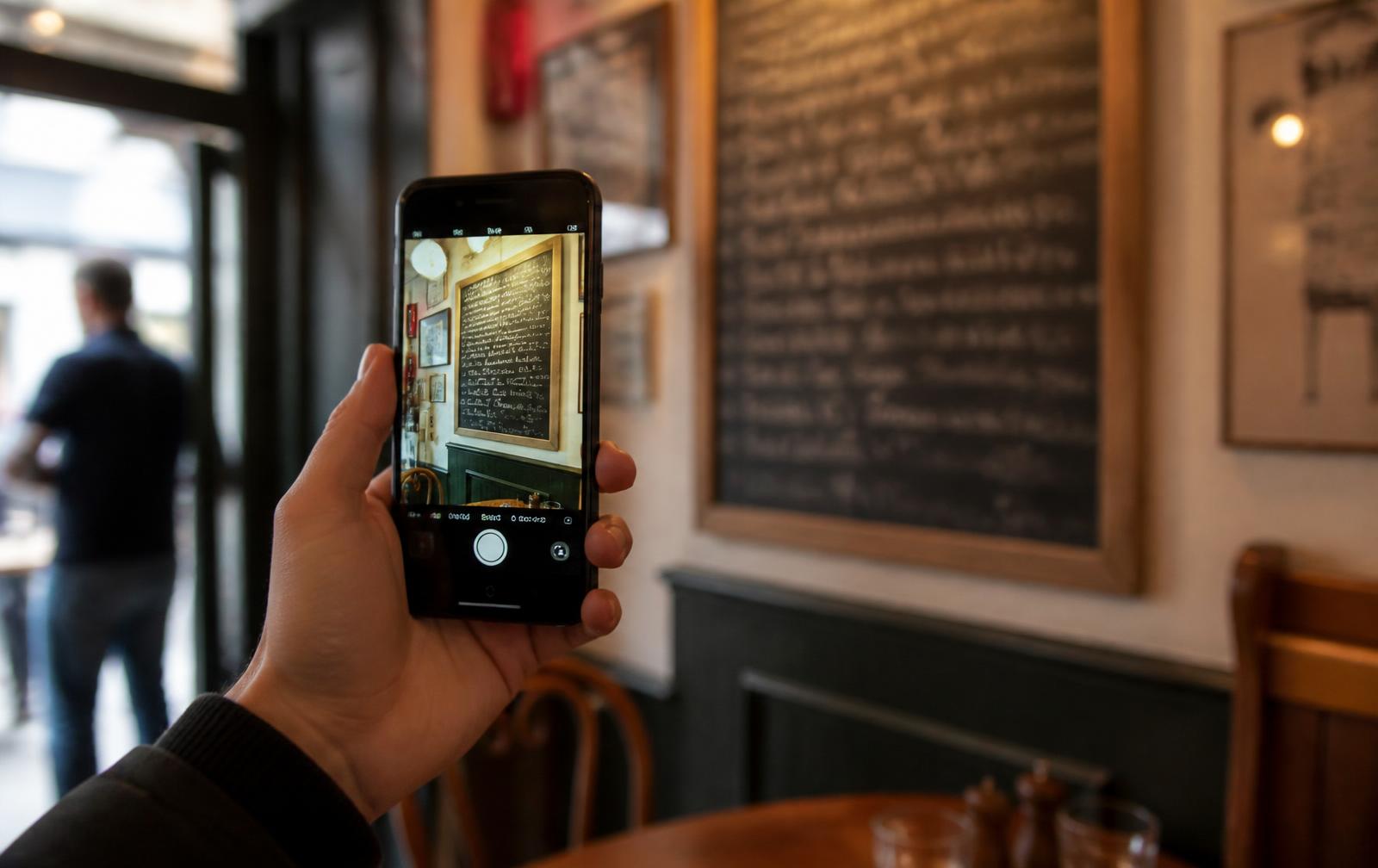
What people actually point the camera at
Menus and daily specials
Printed menus, chalkboards and handwritten specials. Capture one section at a time and you get dish names and ingredients rather than a wall of guesswork.
Signs and notices
Platform changes, ticket-machine screens, closing times, entry rules and parking restrictions — the signs that cost money when you misread them.
Labels and packaging
Pharmacy boxes, allergen lists and ingredient panels. Useful for a first read, though it is never a substitute for a pharmacist or doctor.
Documents and tickets
Booking confirmations, receipts, rental agreements and forms handed to you at a counter.
Shop shelves and prices
Compare products where every label is in a script you do not read, including unit prices and promotions.
Anything you can frame
If it holds still and the light is reasonable, Parlivon will try. An in-app tips overlay shows you how to get a clean capture.
How camera translation works
Open the camera view
Choose the language you read. Parlivon detects the source language on the sign for you.
Frame the text
Hold the phone square to the surface and fill the frame with the text. Tap to focus if the light is low.
Read or listen
The translation appears on screen and can be spoken aloud, which helps with long menus and small print.
Getting better results
- Get closer instead of zooming — detail matters more than framing.
- Shoot straight on; steep angles distort characters.
- Avoid glare on glass and laminated menus by shifting a step sideways.
- Split long boards into two or three captures.
- Steady the phone against a table for handwriting.
- Check numbers and prices by eye — digits are worth verifying.
When the camera is the wrong tool
If someone is speaking to you, switch to two-way conversation translation. If you have lost signal, use offline phrasebooks instead — camera recognition needs a connection.
Camera translation questions
Can it translate handwritten menus?
Often, yes. Handwriting and chalk are harder than print, so hold the phone square to the board, move closer, and capture one section at a time.
How many languages does it read?
Parlivon covers 66 languages for camera, voice and chat translation, including regional variants of English and French.
See all featuresDoes it work without internet?
No — recognition and translation run on a server. Download phrasebooks before you travel for the no-signal case.
Offline modeCan it read the translation out loud?
Yes. Translated text from the camera can be spoken aloud, which helps when the sign matters more than the screen — platform notices, ticket machines and pharmacy labels.
Why is the text sometimes missed?
Low light, glare, steep angles and stylised fonts are the usual causes. The in-app tips overlay walks through holding the phone square to the text, getting closer and steadying the shot.
Can it identify fruit and vegetables at a market?
Produce Lens, included with Premium, Family and Trip Pass, names the item and explains how to pick a ripe one, store it and eat it, written in your app language.
Plans and pricingRelated
Machine translation can be imperfect. Parlivon is a travel and everyday communication aid — do not rely on it for medical, legal, financial or emergency decisions.
Parlivon travels on your phone
Translation happens on the device in your pocket — set it up in about a minute.